Enriching Movie Descriptions with LLMs
This tutorial demonstrates how to use Shaped Views to enrich a table with LLM-generated content. The example uses a movie table and generates features suitable for search and recommendation use cases.
This process is performed through the Shaped dashboard without writing code.
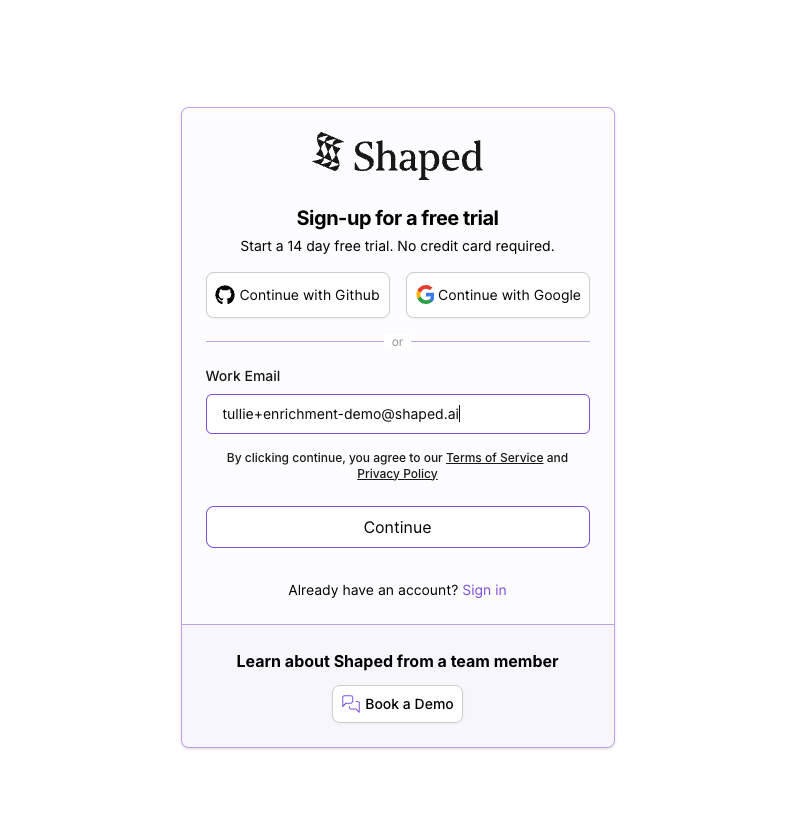
Sign up
- Navigate to the Shaped website and sign up for a free trial
- Provide basic information to create your organization
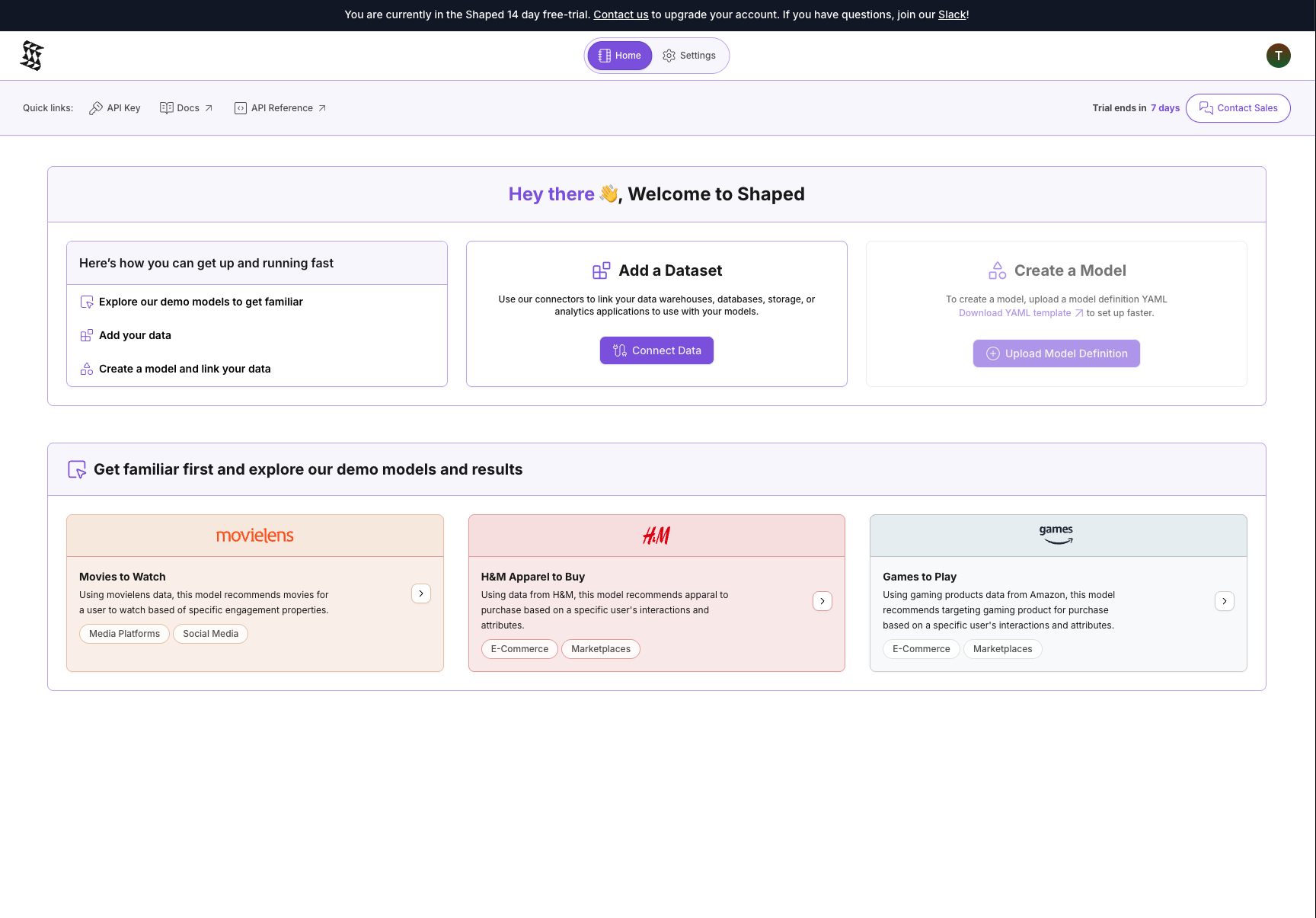
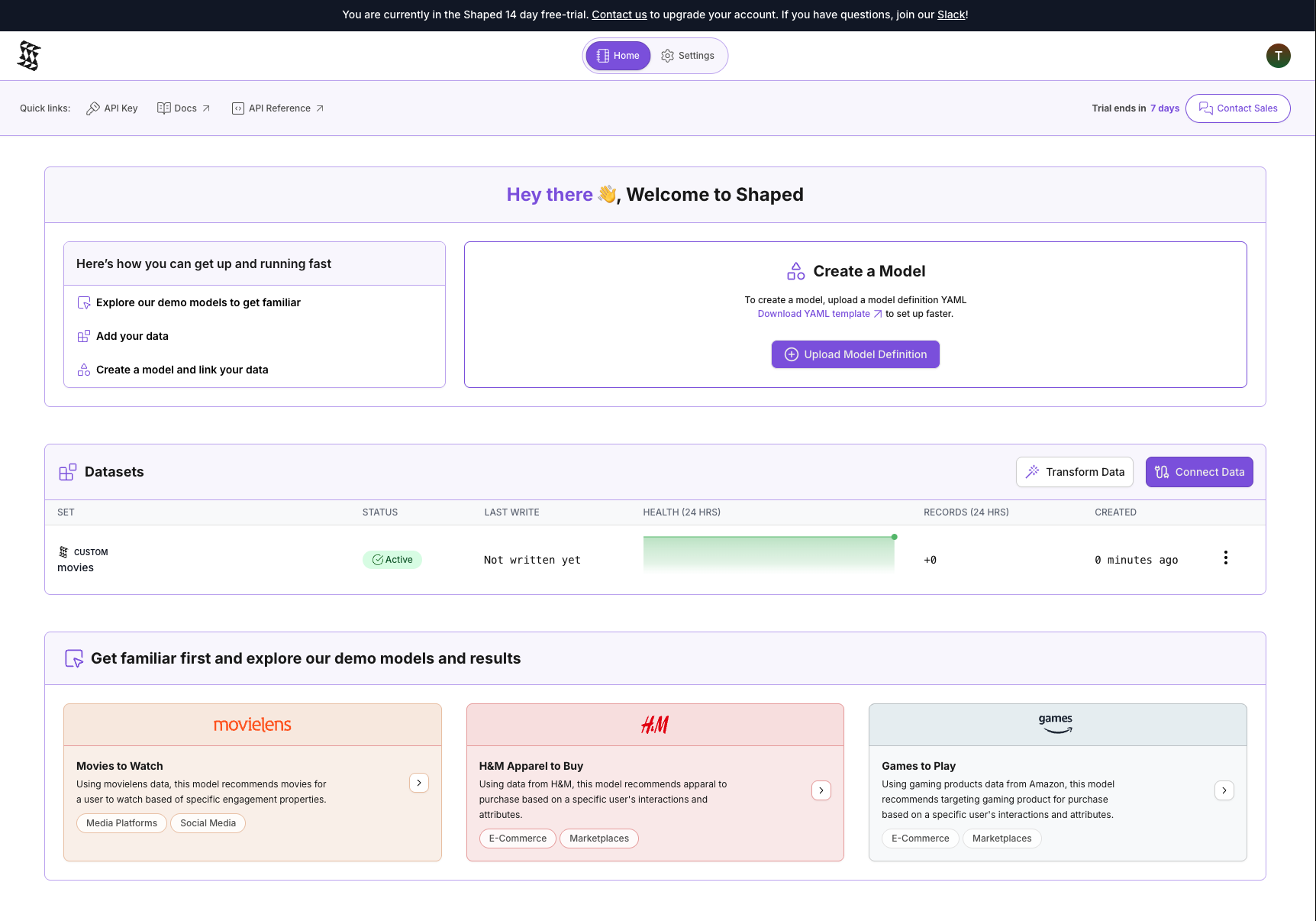
After signing up, you'll see the home page, which provides access to tables, engines, and views.
Get the data
Use the MovieLens dataset, specifically the "latest small" version.
- Download: ml-latest-small.zip
- Unzip the file
- Locate
movies.csv
The file contains movieId, title, and a pipe-separated list of genres. Use title and genres as input for enrichment.
Upload the table
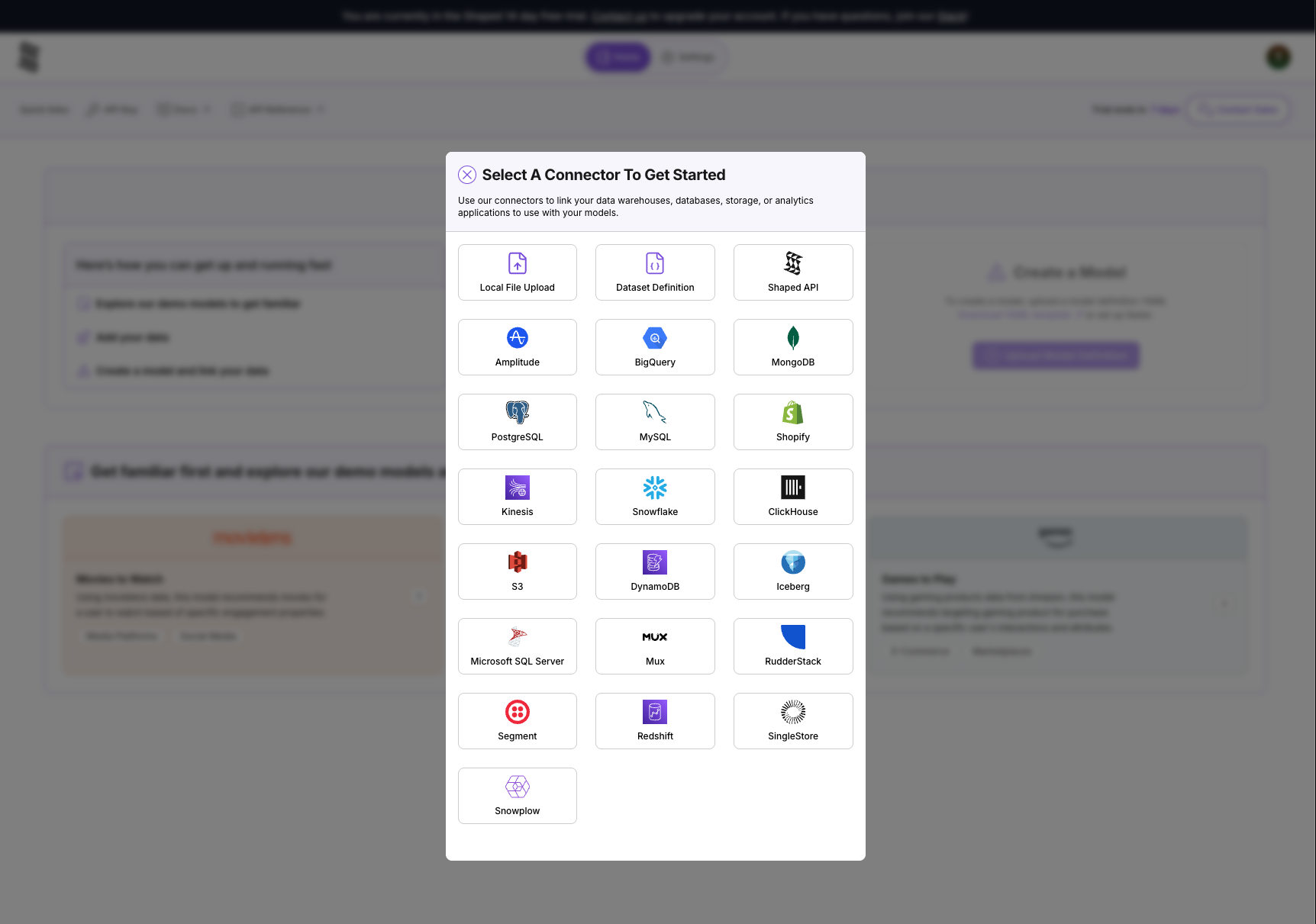
- Navigate to the Connectors tab
- Click Create Connector and select File Upload
- Drag and drop
movies.csvinto the upload area. Shaped infers the schema and creates a table
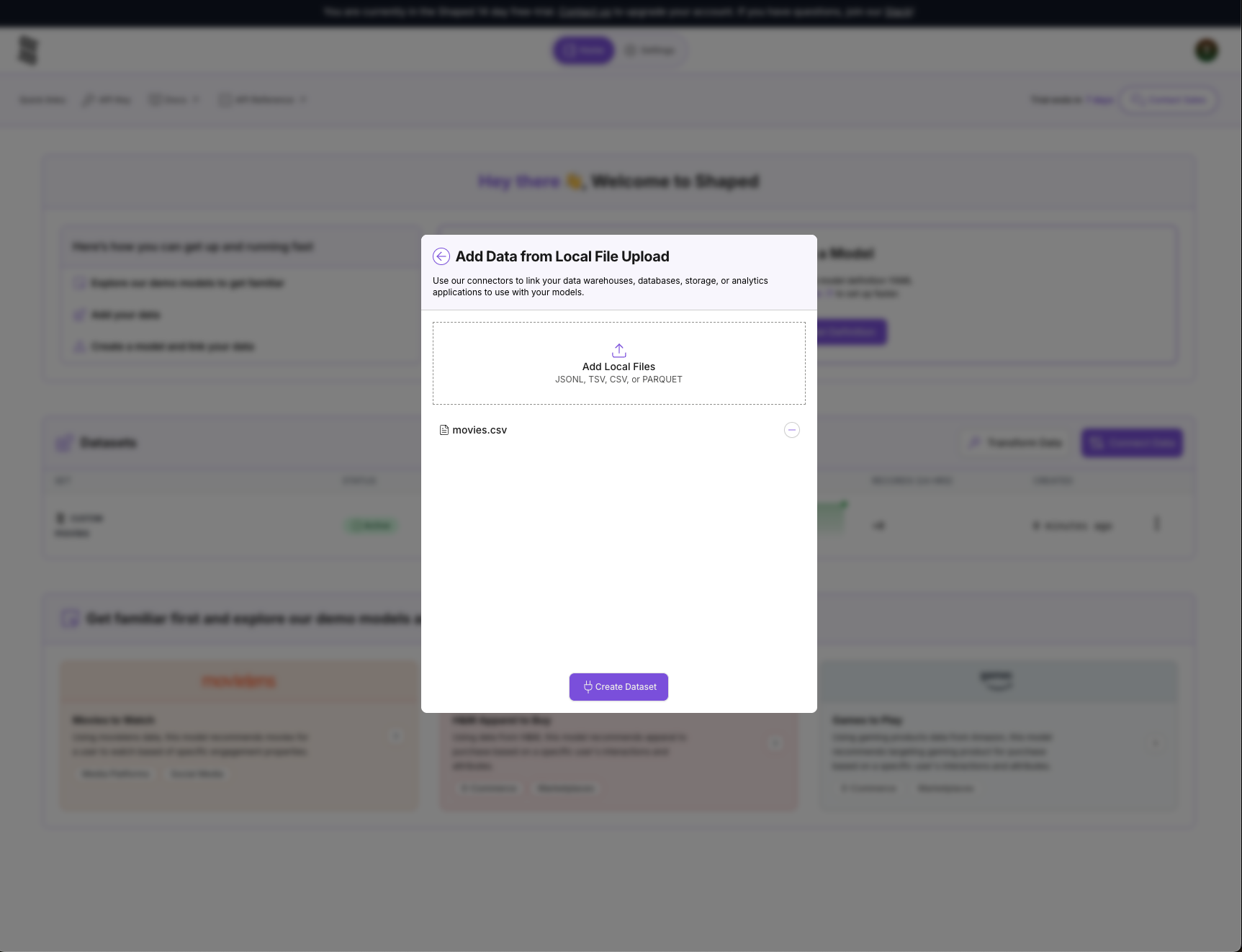
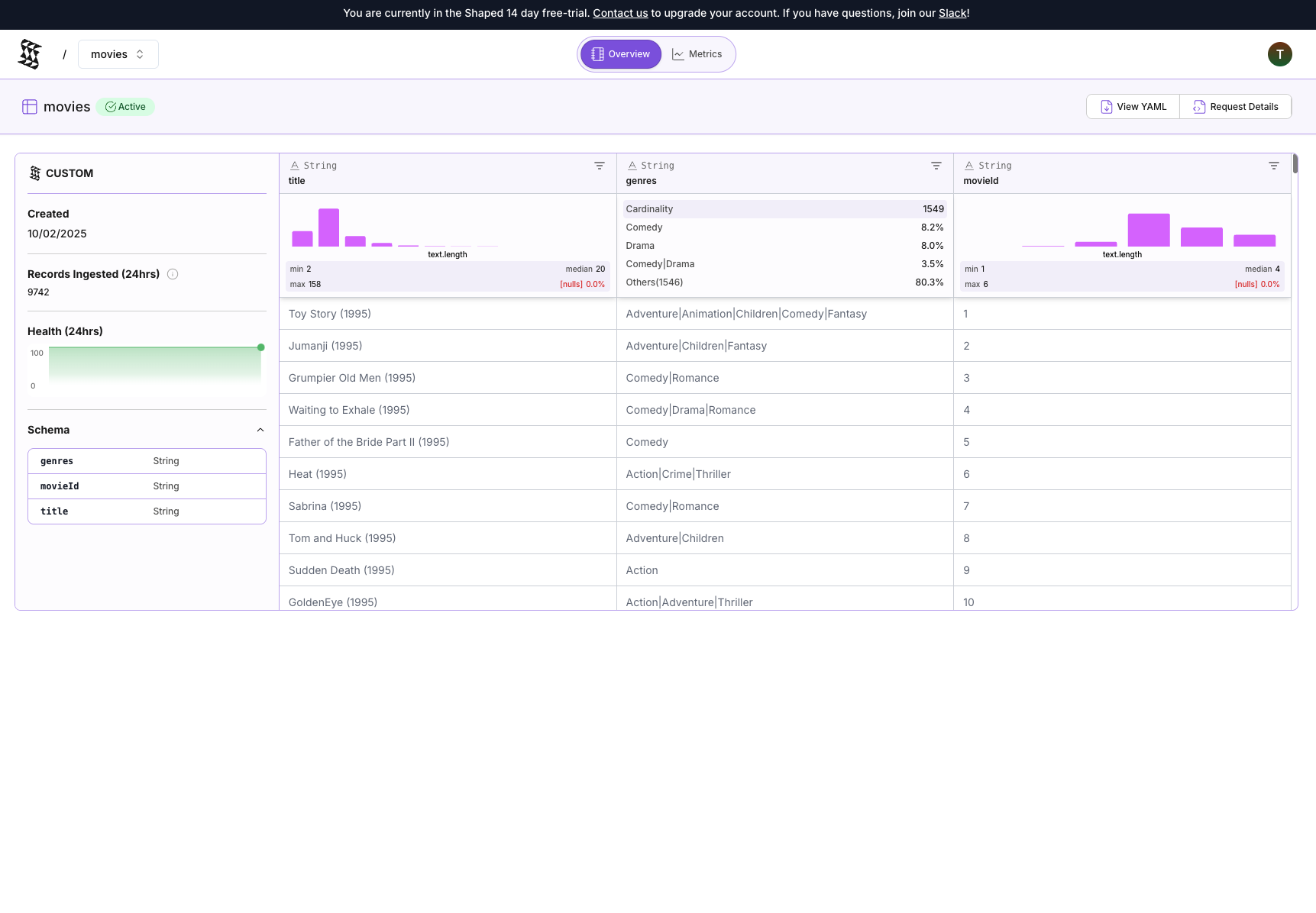
After upload, you'll see confirmation that the movies table was created. Click the table name to view it.
The table contains title and genres columns, which will be used for enrichment.
Create the enrichment view
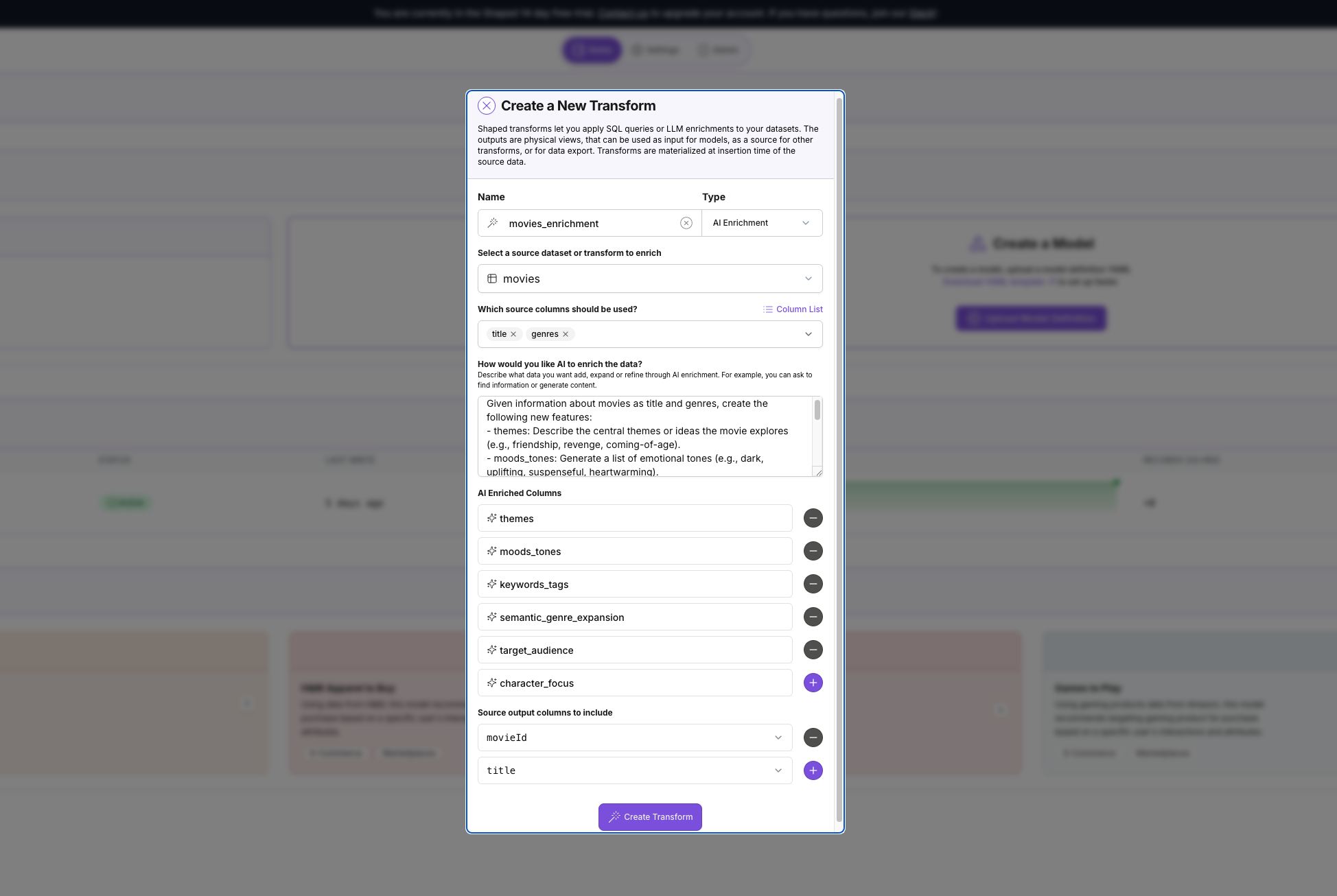
- Navigate to the Views tab and click Create View
- Configure the view:
- Name:
movies_enrichment - Type: AI Enrichment
- Source table:
movies - Source columns:
title,genres - Prompt:
Given information about movies as title and genres, create the following new features:- themes: Describe the central themes or ideas the movie explores (e.g., friendship, revenge, coming-of-age).- mood_tones: Generate a list of emotional tones (e.g., dark, uplifting, suspenseful, heartwarming).- keyword_tags: Create a set of descriptive tags that capture the movie's setting, mood, and subject matter.- semantic_genre_expansion: Expand the basic genres into a richer natural-language description (e.g., "A lighthearted romantic comedy about second chances").- target_audience: Predict the ideal audience segment (e.g., families, teenagers, adults, animation fans).- character_focus: Identify the likely character focus or archetypes (e.g., "a brave child protagonist," "an unlikely hero," "ensemble cast").
- AI Enriched Columns:
themes,mood_tones,keyword_tags,semantic_genre_expansion,target_audience,character_focus - Source Output Columns to include:
movie_id,title
- Name:
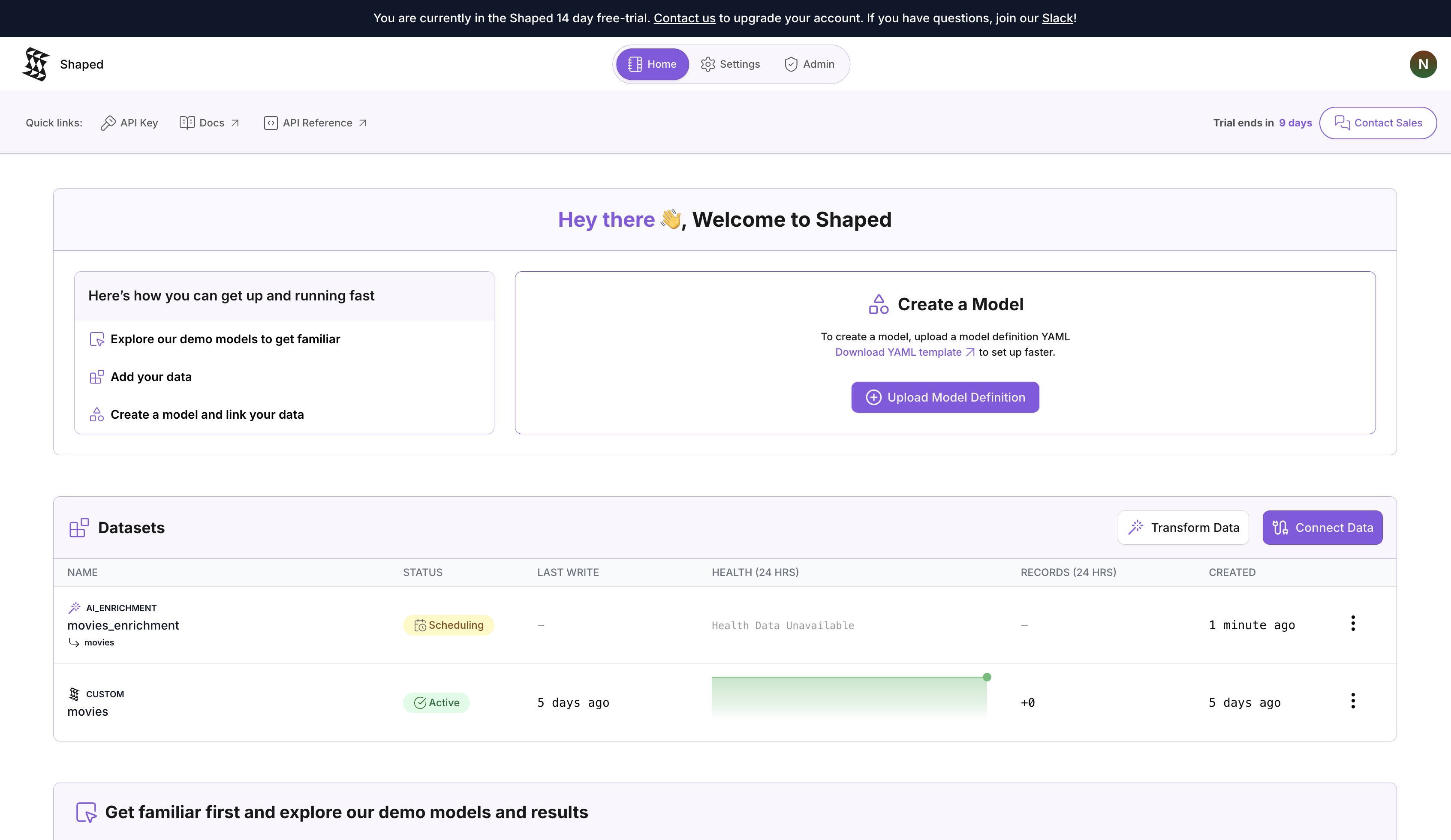
- Click Create View. Shaped starts backfilling, processing each row in the
moviestable with the defined AI enrichment.
View results
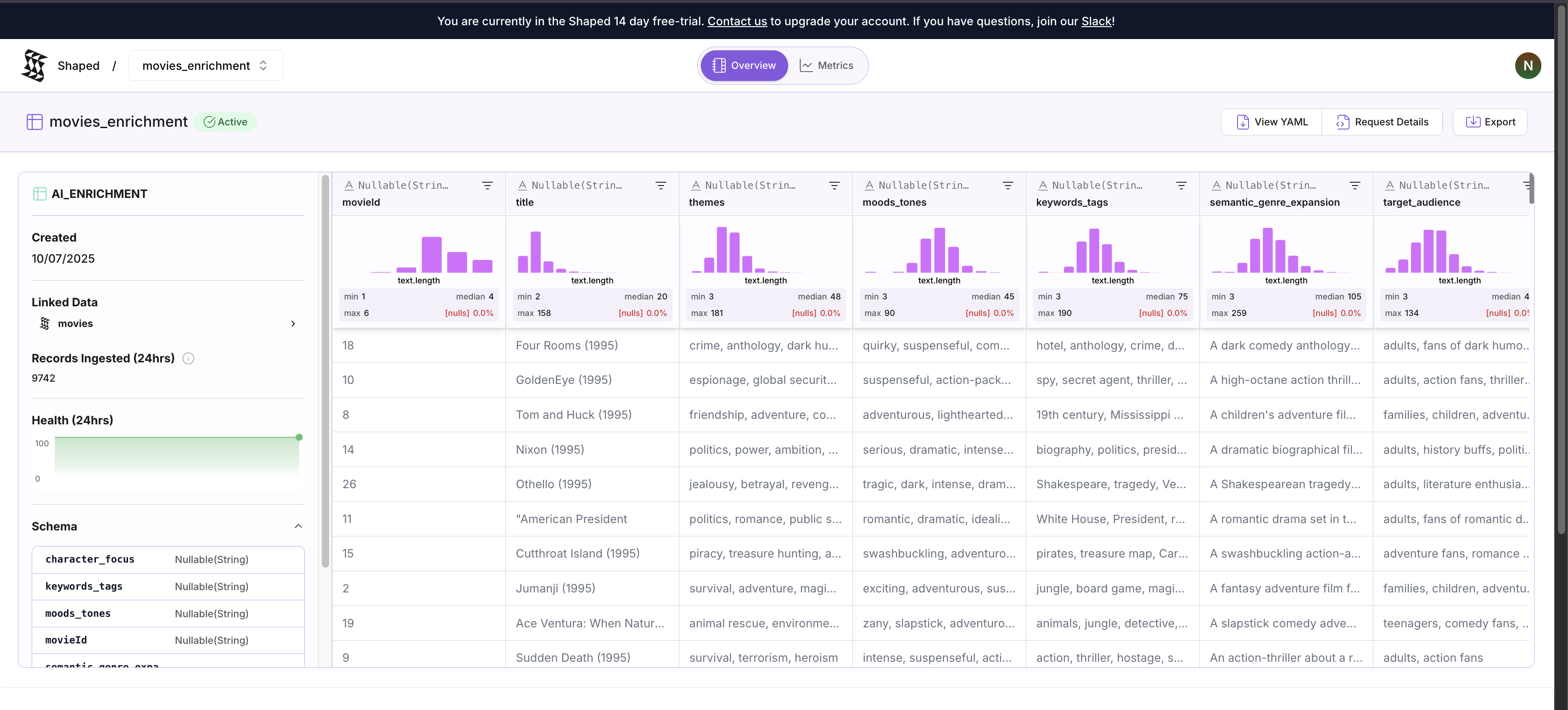
When backfilling completes, the view status changes to Finalized. Click the view to see its output.
The output includes the original movie data plus the new columns (themes, mood_tones, keyword_tags, semantic_genre_expansion, target_audience, character_focus) populated with LLM-generated descriptions.
Before:
- Title: Toy Story (1995)
- Genres: Adventure|Animation|Children|Comedy|Fantasy
After:
- themes: "friendship, loyalty, dealing with change, jealousy, acceptance"
- mood_tones: "comedic, adventurous, heartwarming, nostalgic, whimsical"
- keyword_tags: "toys, childhood, friendship, adventure, animated, comedy, fantasy, 1990s"
- semantic_genre_expansion: "A comedic animated fantasy adventure about toys that come to life, exploring themes of friendship and jealousy."
- target_audience: "families, children, animation fans, adults nostalgic for the 90s"
- character_focus: "an unlikely hero (Woody), a new friend (Buzz Lightyear), ensemble cast of toys"
This enriched data can be used for semantic search indexes or as features for recommendation engines. Export the data using the Export button.
Clean up
Delete the resources created for this tutorial:
- Navigate to the Views tab and delete the
movies_enrichmentview - Navigate to the Tables tab and delete the
moviestable